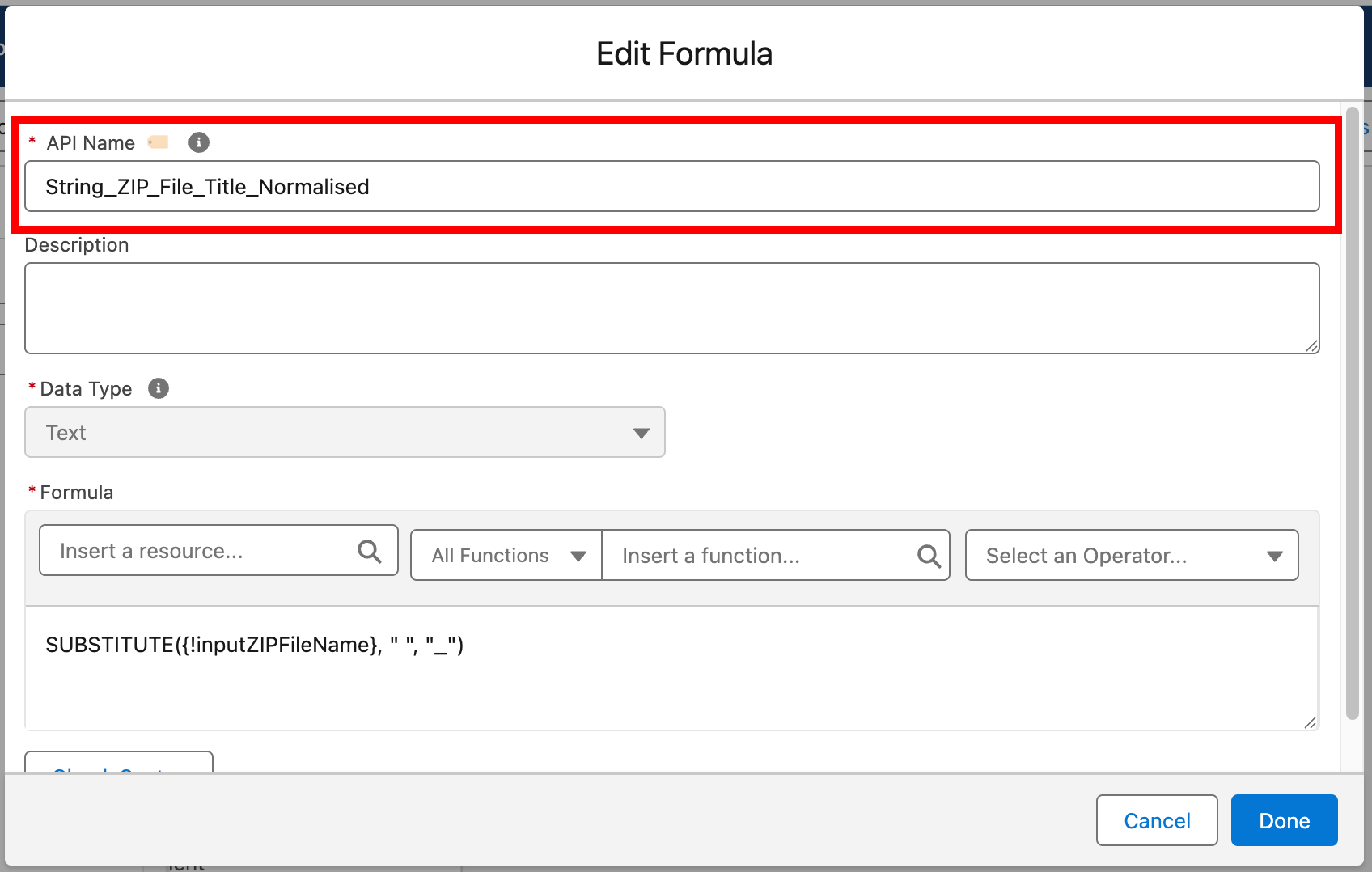
API Name Generator
Overview
API Name Generator helps users generate standardised API names for Salesforce Flow elements and resources based on configured prefixes and naming conventions.
The feature is designed to improve naming consistency within Flow Builder by reducing manual entry and applying reusable naming rules across common Flow components.
Current behaviour supports a broad range of Flow element and resource types, with generated names based on:
- the entered label
- the detected element or resource type
- the configured naming pattern
- the currently loaded prefix configuration

Where it appears
API Name Generator is intended for Salesforce Flow Builder.
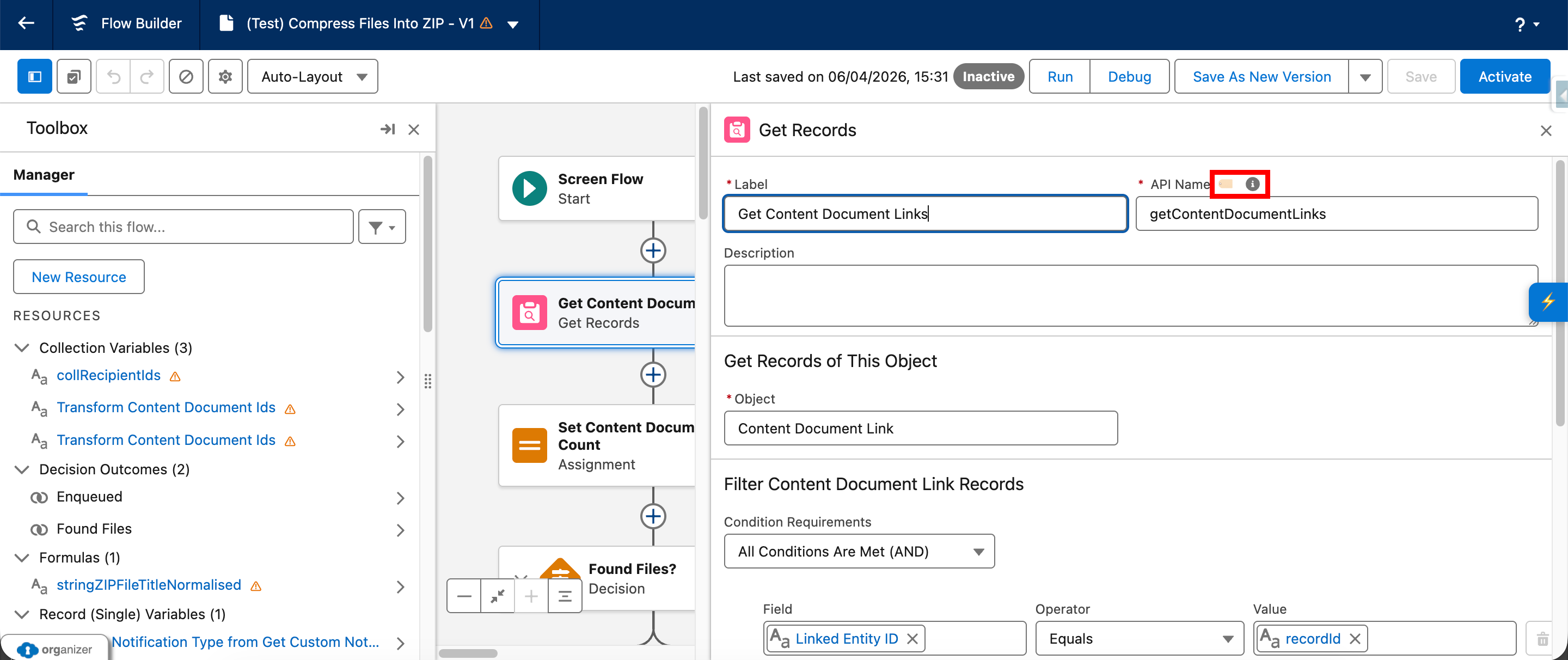
It primarily works by detecting open property/configuration panels and injecting a generate button next to the API Name field.
The feature is designed to work across:
- standard Flow element editors
- resource editors
- screen component property editors
- some orchestration-related editors
What the feature does
API Name Generator currently provides the following functionality:
- Detects that the user is in Flow Builder.
- Loads the configured naming pattern from settings.
- Loads prefix definitions from custom storage or the shipped default configuration.
- Watches the page for relevant Flow Builder property panels opening.
- Injects a Generate API Name button next to supported API Name fields.
- Reads the current label and attempts to detect the element or resource type.
- Generates an API name using the configured naming pattern and matching prefix.
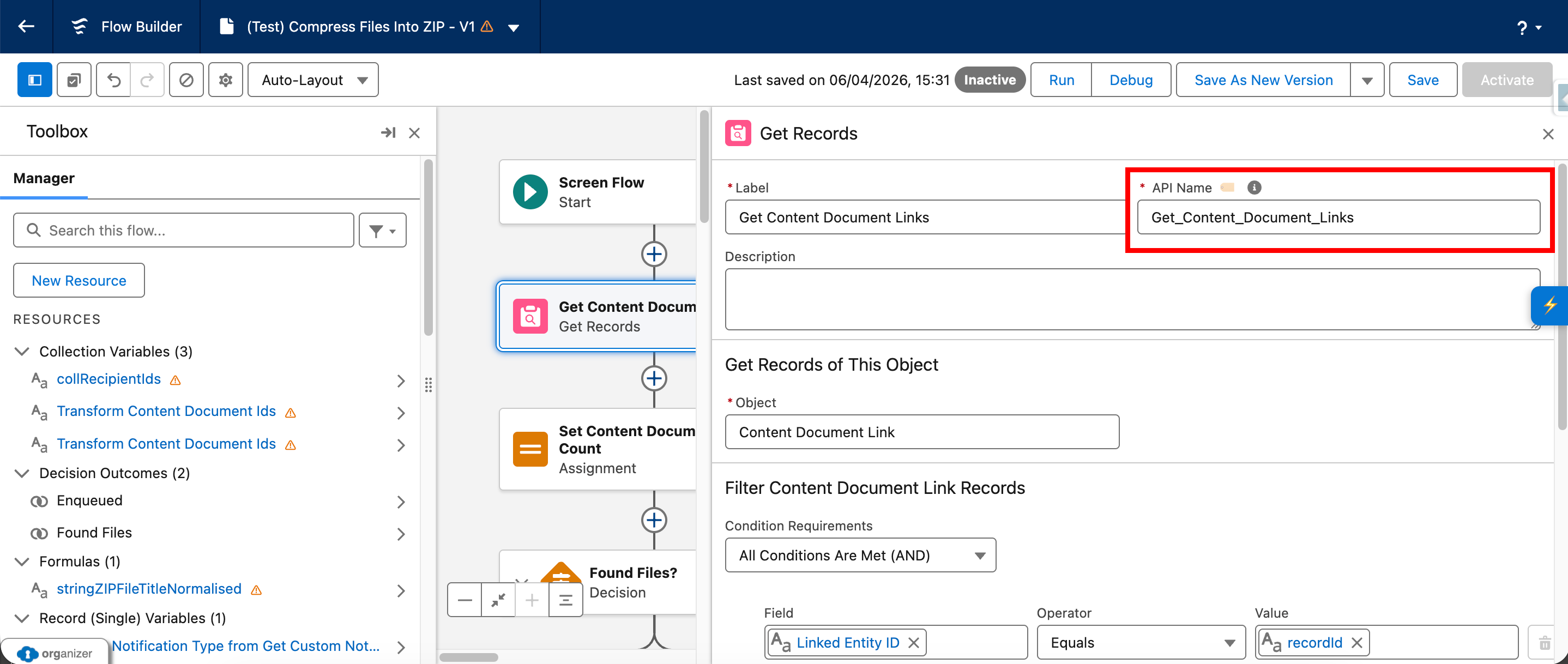
- Writes the generated value into the API Name input.
- Dispatches the required input, change, and blur events so Salesforce recognises the update.
- Shows a toast confirming the generated result.
Generation modes
Inline mode
The primary mode of operation is inline generation.
When a supported Flow Builder editor is opened and the feature detects an API Name field, it injects a button next to that field.
The button currently uses the icon:
🏷️
Clicking the button generates an API name directly into the current field.
Modal mode
The source comments also describe a modal fallback mode accessible from the side-button menu.
This documentation page is currently focused on the inline generation behaviour, which is the clearest implemented user-facing flow from the supplied files.

Naming patterns
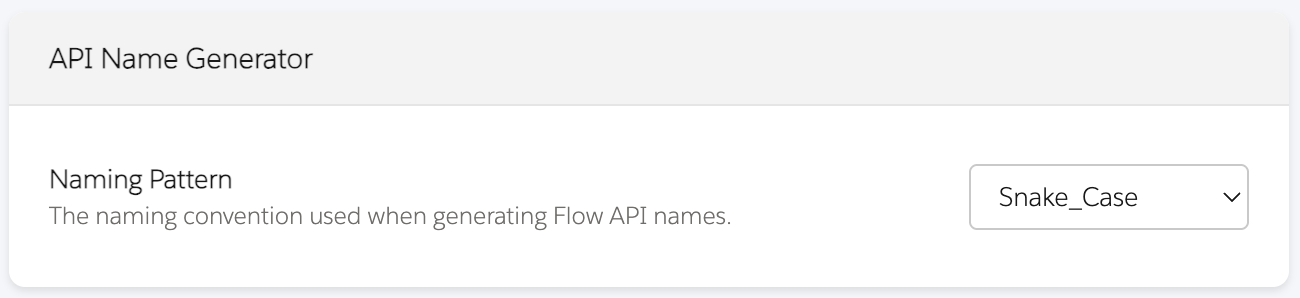
API Name Generator supports multiple naming patterns.
The current code references:
Snake_CasePascalCasecamelCase
The configured naming pattern is read from settings and applied when generating the final API name.
Example behaviour
A label is cleaned before generation by removing unsupported characters and splitting into words.
The selected naming pattern then controls how those words are recombined.
For example, a label such as:
Account Follow Up
might produce different outputs depending on the configured prefix and naming pattern.
Prefix configuration
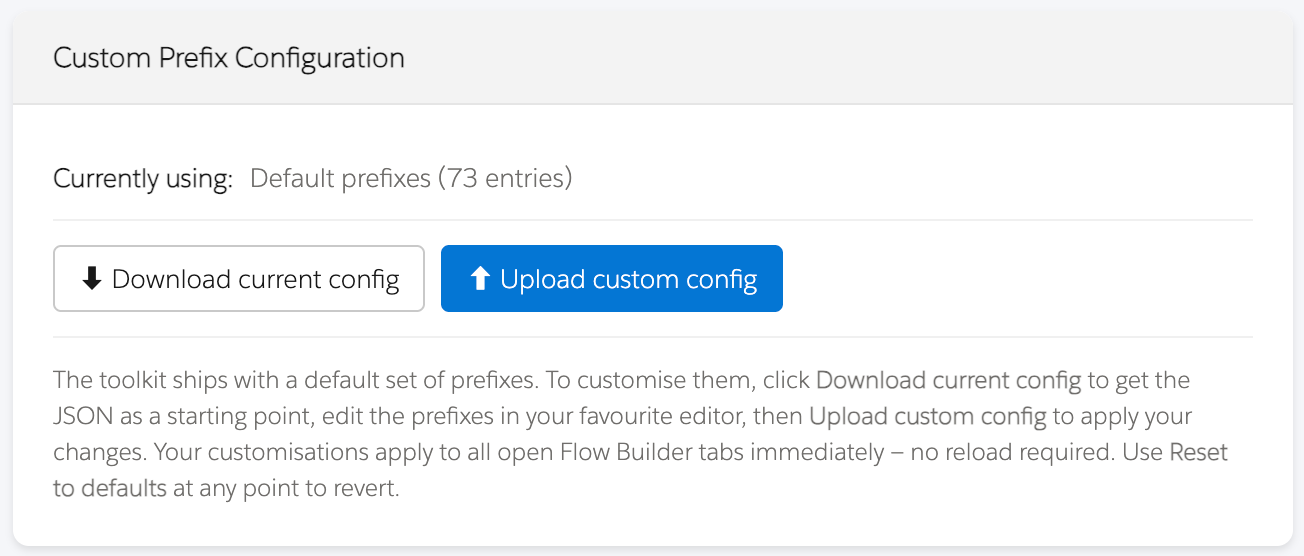
Prefixes are loaded through the API Name Prefix Configuration component.
Current loading behaviour is:
- use custom prefixes from storage if present
- otherwise use the shipped
default-prefixes.json - otherwise fall back to hardcoded defaults
This means the feature is designed to remain usable even if the preferred prefix source is unavailable.
The prefix configuration supports multiple naming styles per type, including:
Snake_CasePascalCasecamelCase
Supported type coverage
The current implementation includes logic for a wide range of Flow Builder contexts.
Standard Flow elements
Examples include:
- Get Records
- Create Records
- Update Records
- Delete Records
- Decision
- Assignment
- Screen
- Loop
- Action
- Subflow
- Wait
- Transform
- Custom Error
- Roll Back Records
- Collection Sort
- Collection Filter
Resources
The implementation also includes support for resource-related types such as:
- Variable
- Formula
- Collection
- Constant
- Text Template
- Choice
- Collection Choice Set
- Record Choice Set
- Picklist Choice Set
For some resources, the generator also considers subtype information such as:
- Text
- Number
- Currency
- Boolean
- Date
- Date/Time
- Time
- Record
- Picklist
- Multi-Select Picklist
- Apex-Defined
Screen component subtypes
The implementation includes additional handling for screen-related subtypes such as:
- Input
- Display
- Message
- Repeater
- Section
- LWC
Orchestration-related types
The implementation also includes detection and prefix mappings for:
- Stage
- Step

How generation works
At a high level, API Name Generator:
- reads the label
- detects the current element or resource type
- finds the correct prefix for that type and naming pattern
- removes any existing recognised prefix if needed
- rebuilds the API name using the cleaned words and selected naming format
The feature also attempts to avoid duplicating prefixes when the first word of the label already matches the configured prefix.
How to use it
- Open a Flow in Salesforce Flow Builder.
- Open the configuration or property panel for an element, resource, or supported screen component.
- Enter a label if one is not already present.
- Click the Generate API Name button next to the API Name field.
- Review the generated API name.
- Adjust manually if needed.
If no label is available, the feature may attempt to derive a fallback value from:
- another likely label field
- the panel header
- the existing API Name with a recognised prefix removed
User feedback
When a value is generated successfully, the feature displays a toast message confirming the generated API name.
If the required label information is missing, the feature displays a warning toast prompting the user to enter a label first.
Prefix customisation and import behaviour
The prefix system supports importing user-provided JSON to override the default mappings.
The prefix configuration system also supports:
- exporting the active prefix configuration as JSON
- resetting back to default prefixes
- live reload when the custom configuration changes in local storage
This means updates to custom prefix configuration can be reflected without requiring a manual Flow Builder page refresh.

Notes and limitations
Current implementation notes:
- The feature is designed specifically for Salesforce Flow Builder.
- It depends on Flow Builder editor DOM structure and selectors remaining compatible.
- API Name generation quality depends on correct element/resource type detection.
- Prefix behaviour depends on the currently loaded prefix configuration.
- The feature is designed to remain usable even if the JSON default file cannot be loaded, by falling back to hardcoded defaults.
- Some specialist editor types may require additional refinement over time.
Accessibility and usability notes
The current implementation includes:
- an inline action button with an accessible label
- toast feedback for success and warning states
- automatic updating of the API Name field using events intended to be recognised by Salesforce